Edit your invite and notification email templates
Custom invite email templates let you rewrite the project invite Subject and Body your tenant sends when someone is invited from Team. On Pro, Business, or Enterprise, open Team, click Email Templates, edit Project Invite Email Template, then Save Template; Starter keeps the system invite template.
In our sample project, Maple Commerce Center, the Tenant Admin on Pro opens Email Templates on Team and rewrites the project invite so new Managers see the company name and a short welcome line.
Custom email templates require Pro, Business, or Enterprise.
Open the project invite editor
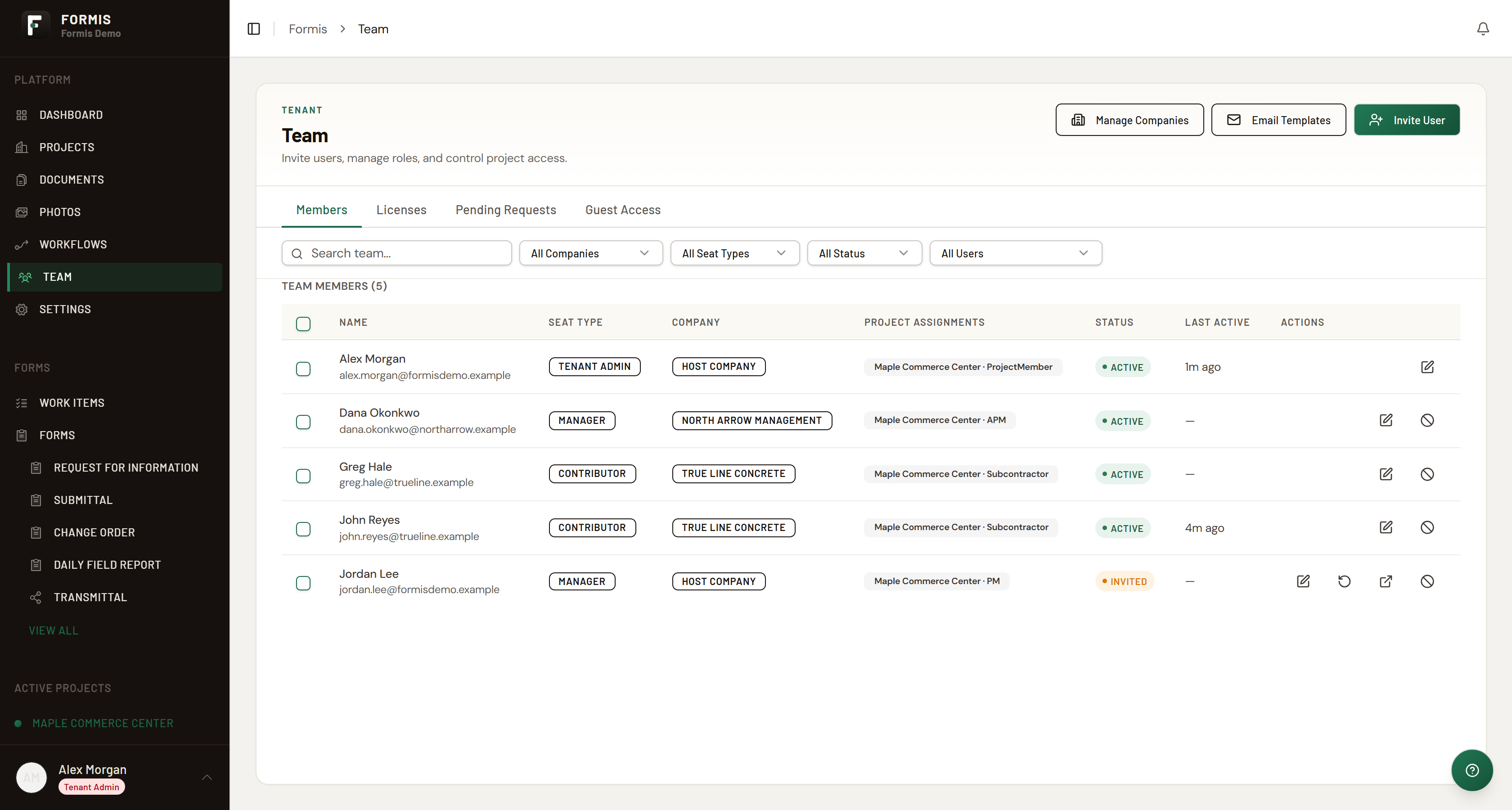
Tenant Admins and Managers open the editor from Team.
- Open Team (
/team). - Click Email Templates.
- On Pro and higher, Formis opens Project Invite Email Template. Edit Subject and Body, then click Save Template. When the template is already customized, Reset to Default appears and restores the Formis default.
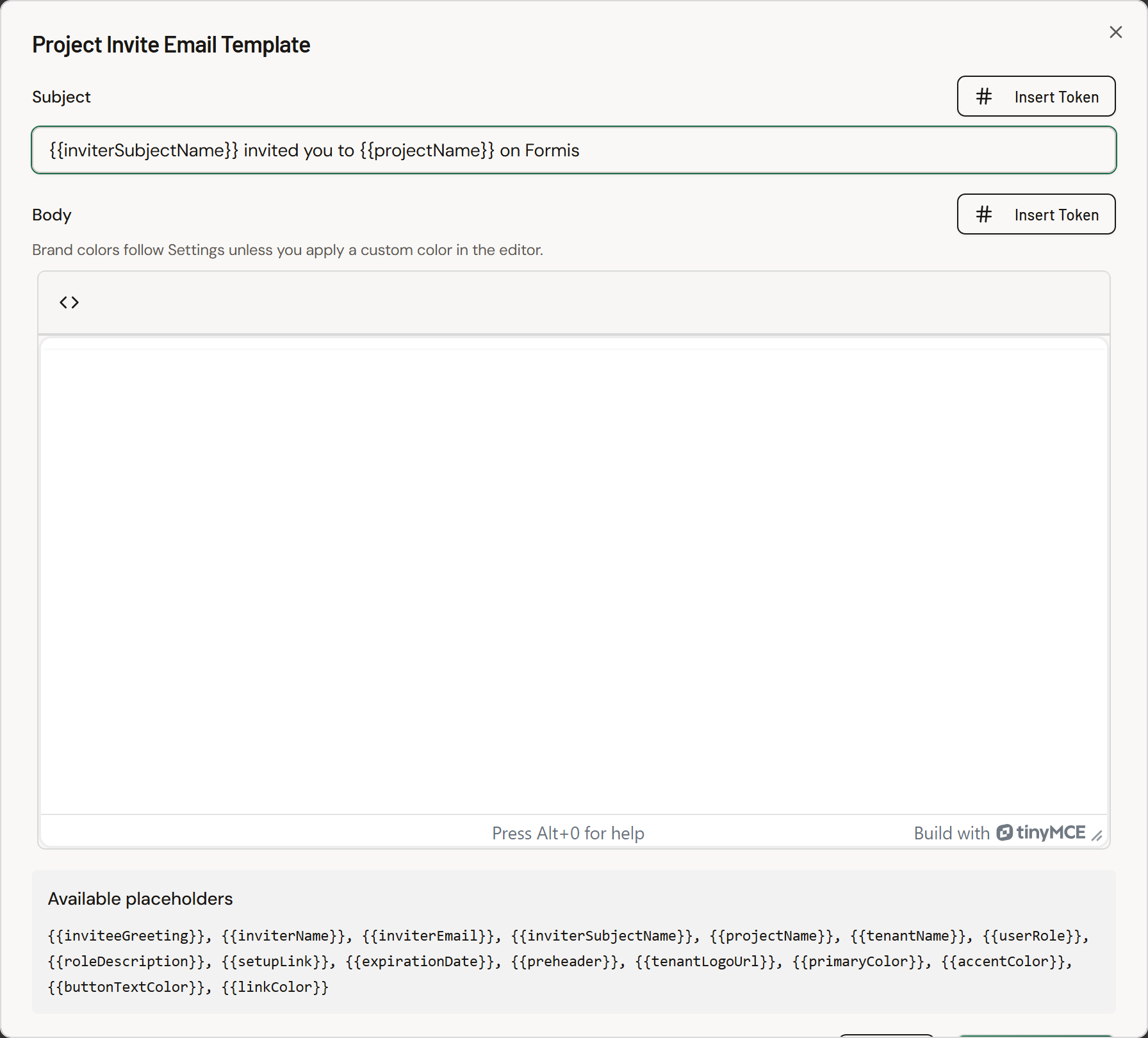
That edited template is the email Formis sends when you invite someone from Team. See Invite your team and assign seats.
What Starter sees
On Starter, Email Templates stays visible but custom editing is gated. Formis shows that custom project-invite and access emails can be edited on Pro plans and above, and a toast confirms: "Custom email templates are available on Pro and higher plans." Upgrade from Plan & Billing when you are ready. See Plans, trials, and upgrades.
Other notification templates are not editable from this screen today.