Control who sees what on a project
Visibility on a Formis project is decided by four independent levers: seat (license type), project role, company, and Access Group (which forms Contributors may open). The levers stack separately, so changing one does not automatically change the others. Use them together to control which forms and documents each person can open.
In our sample project, Maple Commerce Center, we keep Managers on the host company, put the owner's rep on an outside company, and use Access Groups so a sub crew only opens the forms they need.
This article is written for Tenant Admins and Managers on the host company, the people who can change these settings.
What controls visibility?
Four levers stack independently on each project:
| Lever | Controls |
|---|---|
| Seat | Tenant-wide license and broad product powers (Tenant Admin, Manager, Contributor). |
| Project role | Built-in authorities on that project (for example Project Manager, Document Controller, Owner's Rep). |
| Company | Whether the person is on the host company or an outside company, which drives same-company visibility. |
| Access Group | Which form definitions Contributors (and outside-company members) may open on the project. |
Changing one lever does not automatically change the others.
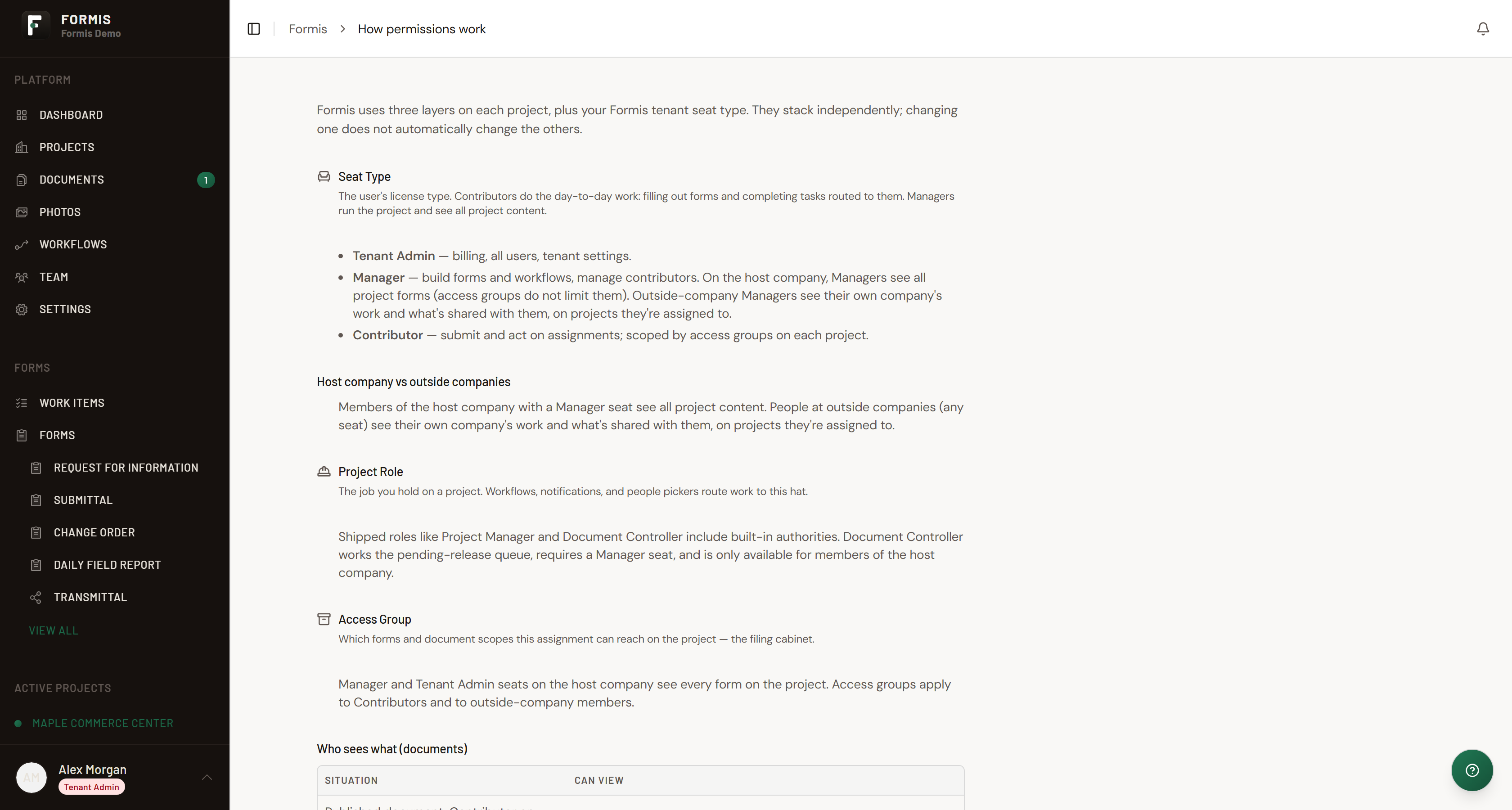
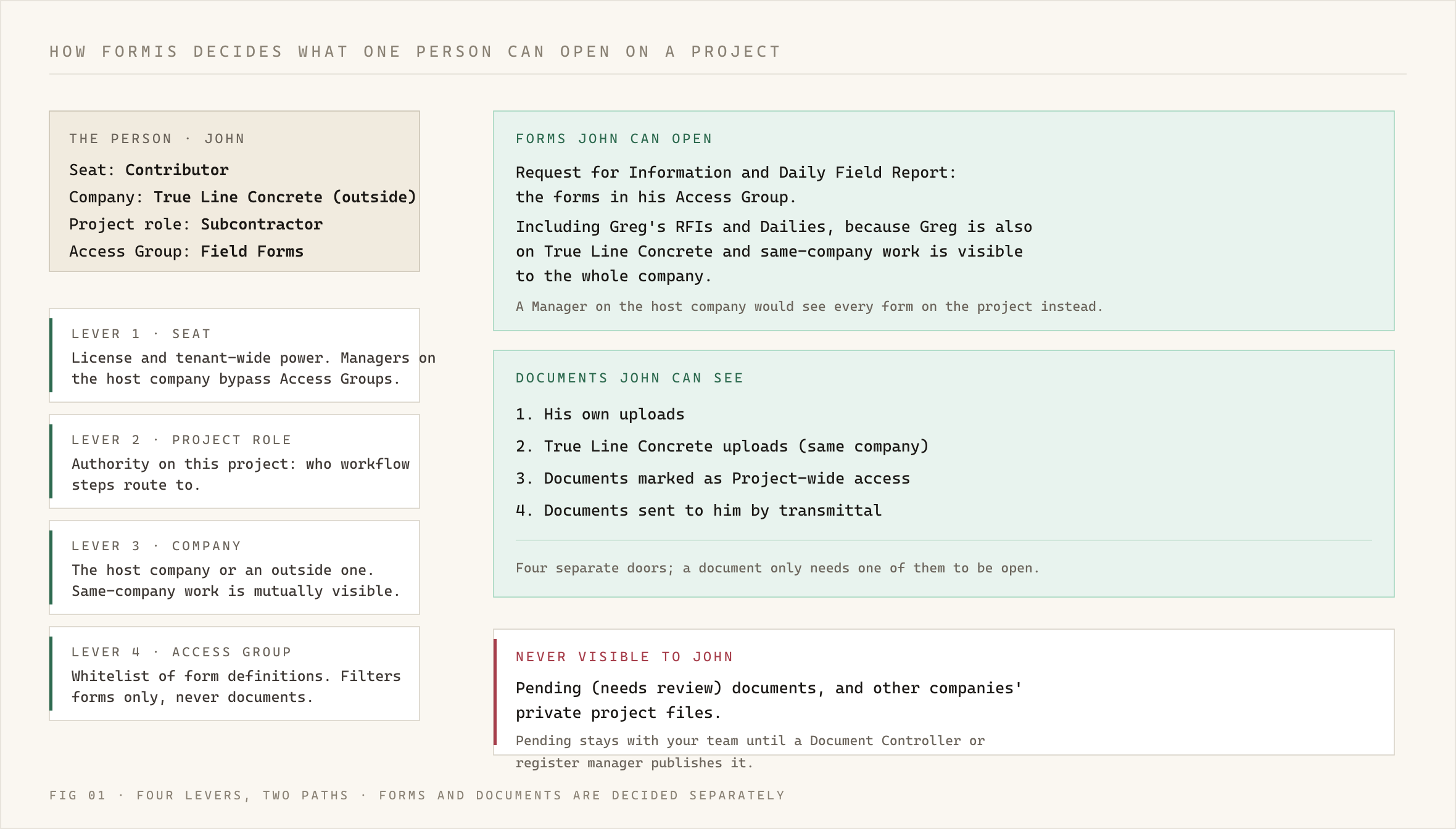
For the Standing and Delivery full picture, see How Formis decides what you can see.
What does my seat control?
Your seat sets tenant-wide license powers and how broadly you see forms on projects you can access.
- If you are a Tenant Admin on the host company, you can see forms across your tenant.
- If you hold a Manager seat on the host company, on an assigned project you see all forms on that project. Access Groups do not limit Managers on the host company.
- If you hold a Contributor seat, you open forms allowed by your Access Groups and see documents you uploaded, documents from your company, Project-wide documents, and documents granted by transmittal (a packaged document send with acknowledgment).
- If you are at an outside company, your seat is limited by Access Groups; see the next question.
Can a Manager at an outside company see every form?
No. A Manager at an outside company is limited by Access Groups like Contributors: they see their company's work and what is shared with them on projects they are assigned to.
Do Access Groups hide documents?
No. Access Groups whitelist form definitions. They do not filter document register rows. Document visibility uses company, Project-wide access, ownership, register roles, and transmittal grants instead.
Can pending documents stay internal?
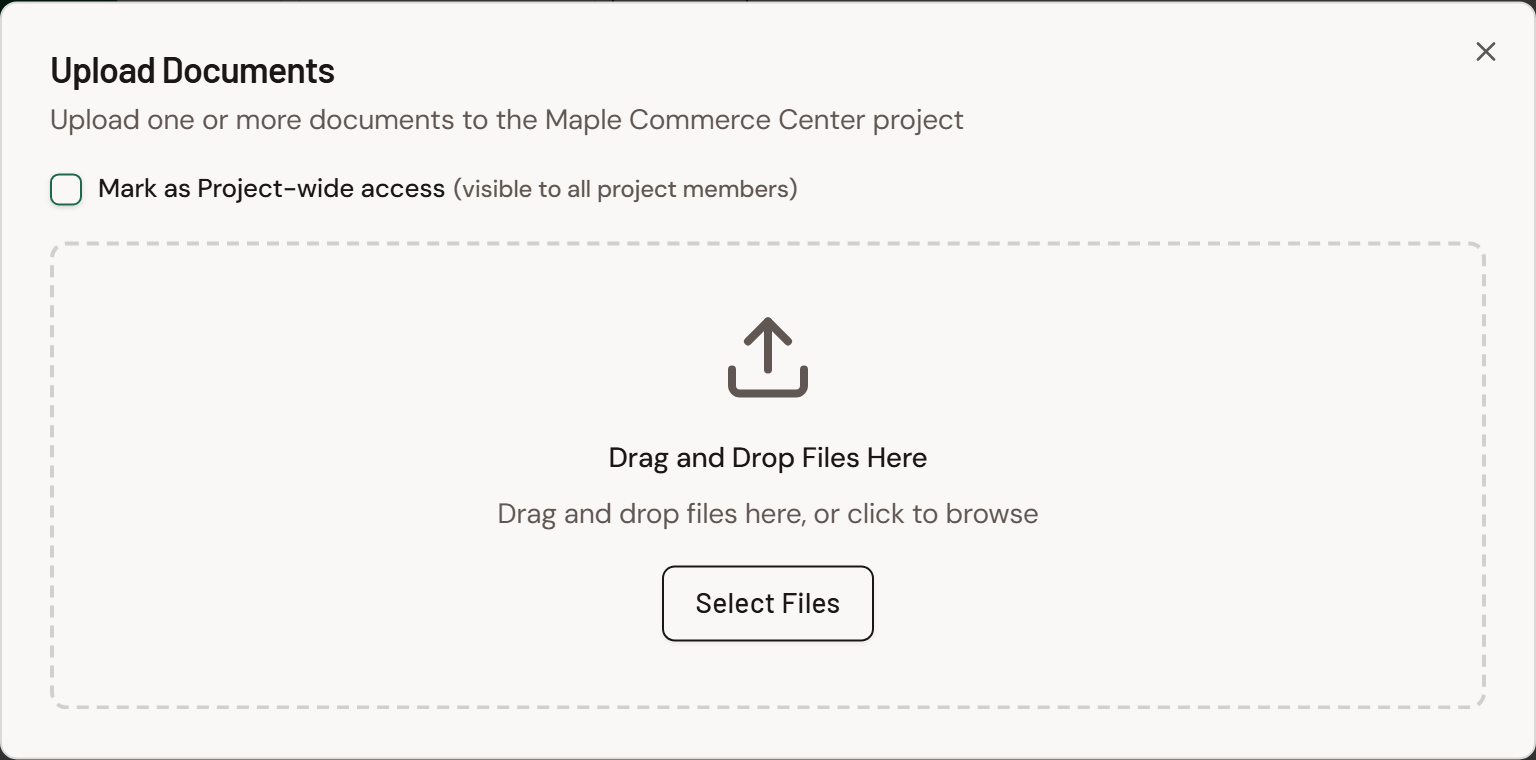
Yes. Pending (needs review) documents are denied to outside companies. Keep files in the review queue until your Document Controller or register managers publish them. Mark shared published files with Mark as Project-wide access when everyone on the project should see them. See Share a document Project-wide.
Summary
| Situation | Typical visibility |
|---|---|
| Host-company Tenant Admin | Tenant-wide forms; full admin powers |
| Host-company Manager on project | All forms on that project; published docs; pending only with a document-register project role (for example Document Controller) |
| Outside Manager / Contributor | Access Group forms; own/same-company/Project-wide/transmittal docs |
| Access Group membership | Forms menu only |
| Project-wide published doc | Everyone on the project who can open Documents; see Share a document Project-wide |